
The check engine light comes on during the school run. You have two ways to find out why without paying a shop: a small Bluetooth adapter that stays in the car and talks to your phone, or a handheld scanner with its own screen and cable that lives in the glovebox. Both read the same engine codes. They feel completely different to own.
To keep this concrete, we put two well-known examples head to head: the Vgate iCar Pro (BT3.0/BLE4.0) adapter and the FOXWELL NT301 handheld. Five rounds, a winner for each, and a verdict on which type suits which driver.
Disclosure: GarageWise is reader-supported. As an Amazon Associate we earn from qualifying purchases, at no extra cost to you.
The two contenders
| Vgate iCar Pro | FOXWELL NT301 | |
|---|---|---|
| Type | Bluetooth adapter + phone app | Handheld with cable and screen |
| Screen | Your phone or tablet | Built-in colour screen |
| Engine codes, freeze frame, live data | Yes, through an app | Yes, built in |
| ABS, airbag, transmission | Only on select vehicles with certain apps | No, engine only |
| Software cost | Depends on the app you choose | None |
| Check Price | Check Price |
Round 1: Getting a code read
The handheld is simple. Plug the cable into the OBD2 port under the dash, turn the key, pick the read codes menu. Nothing to pair and no battery to worry about on the tool, because it draws power from the car.
The adapter takes more setup the first time. You plug it in, install an app, then connect. Vgate notes that the process differs by phone: on Android you pair in the phone’s Bluetooth settings first, on iOS you switch Bluetooth on and connect from inside the app. Once it is set up, though, it is quick, and if the adapter stays plugged in, it is already there when the light comes on.
Winner: FOXWELL NT301, for the first-time user and anyone borrowing the car. Once you are set up, the gap closes.
Round 2: What it can actually read
For engine codes the two are close. Vgate says the iCar Pro reads and clears engine trouble codes, shows freeze frame data and real-time data, and works with OBD2-compliant vehicles from 1996 on, including hybrids. FOXWELL lists the NT301 for the same 1996-and-newer US vehicles, with I/M readiness, O2 sensor and EVAP-related tests where the vehicle supports them.
The adapter has a wider ceiling. Vgate says ABS, airbag and manufacturer-specific data such as transmission temperature are possible, but only on select vehicles through certain apps. The NT301 never goes beyond the engine. If you think you will want to look at an ABS light one day, an adapter with a capable app is the path that can grow with you.
Winner: Vgate iCar Pro, with a footnote: what it reads depends on the app and the car, so check before you count on it.
Round 3: Live data and screen
This is where the adapter shines. Apps like Car Scanner, Torque and OBD Fusion, all of which Vgate lists as compatible, can lay out live data as gauges and graphs on a phone screen that is bigger and sharper than any budget handheld. Watching fuel trims or coolant temperature on a dashboard you arranged yourself is useful when you are chasing an intermittent fault.
The NT301 can graph live data too, and its colour screen is clear for its size. It just cannot compete with a phone. Its strength is a dedicated I/M readiness button that shows a red, yellow or green result with LEDs and a tone, which is a nice touch the week before an emissions test.
Winner: Vgate iCar Pro.
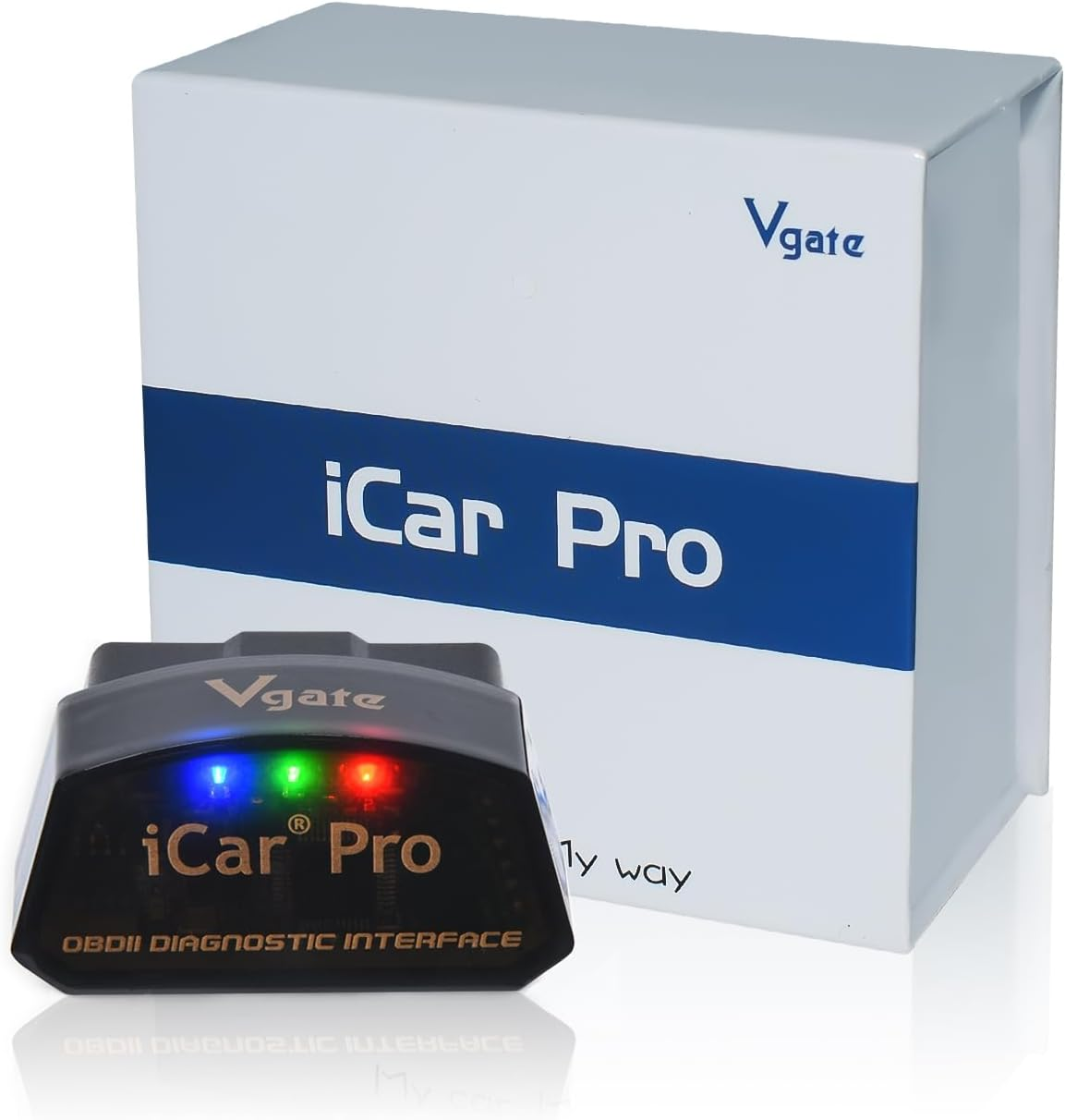
Want gauges and graphs on your phone? A Bluetooth adapter turns the phone you already carry into the screen.
See the Vgate iCar Pro →Round 4: Cost of ownership
The handheld is a one-off purchase. There is no app to buy and nothing to renew. You own the tool and it does what it did on day one.
The adapter’s price is only part of the story. Vgate itself says some apps, or some of their features, are not free and are paid to the software company. Plenty of free apps read engine codes, but the advanced features that make an adapter worth choosing over a handheld are often the paid ones. Budget for the app before you decide.
Winner: FOXWELL NT301, for a predictable cost.
Round 5: Living with it
An adapter that stays plugged in is convenient but sits on a live circuit. On many cars the OBD2 port has power even with the ignition off. Vgate lists an auto-sleep mode with low power draw and wireless wake-up on gasoline cars, and says wake-up is not supported on hybrid and electric cars. If you park a car for weeks, or your battery is already weak, unplug it. A cheap adapter should never be the reason a car will not start.
A handheld has no such worry because it only draws power while connected. The trade-off is that it is one more thing to keep track of, and it lives in a glovebox where heat and cold are not kind to screens.
Winner: FOXWELL NT301, by a nose, for anyone who leaves a car parked for long stretches.
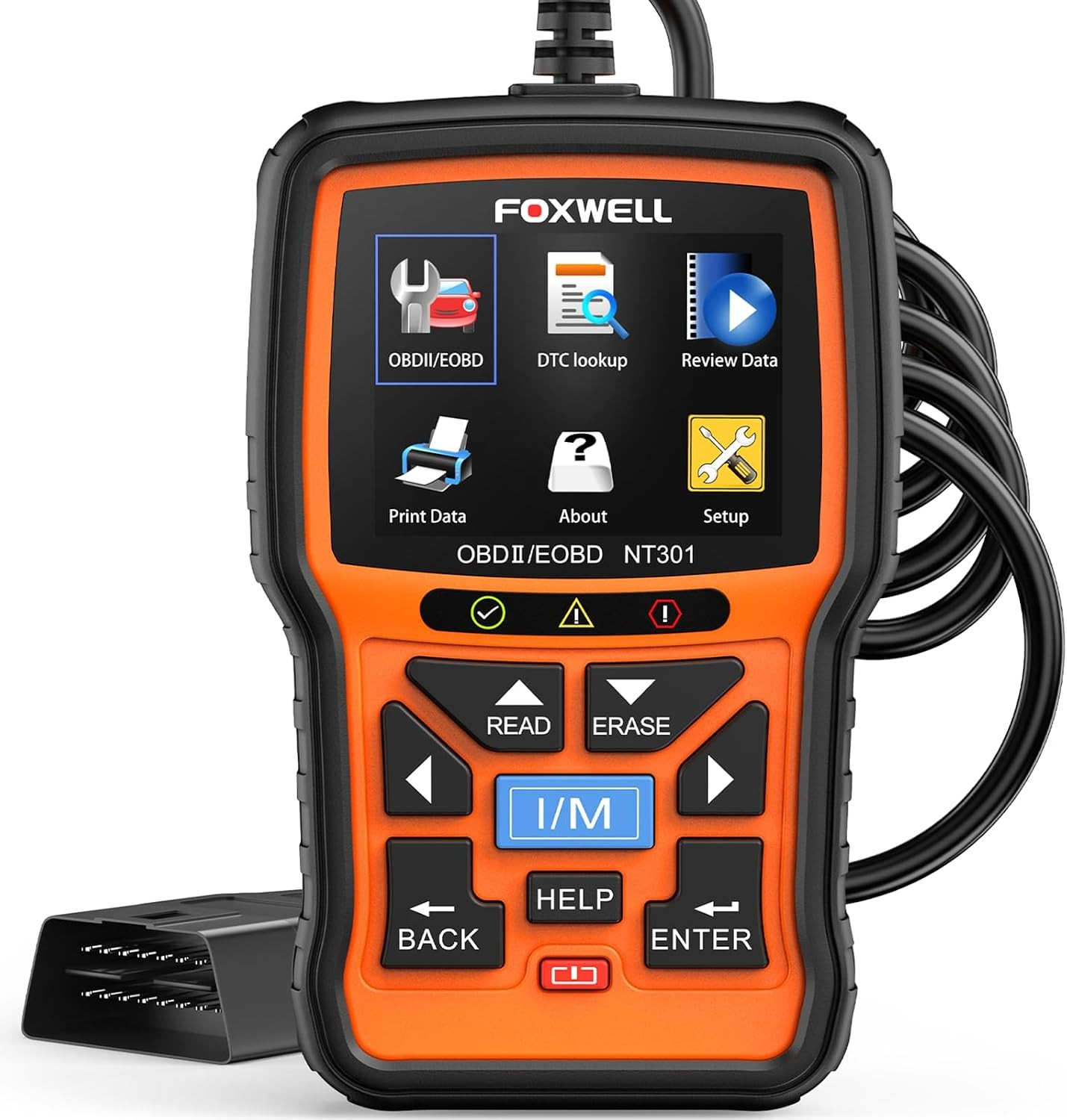
Rather not involve your phone at all? A handheld with its own screen just works, for you and anyone who borrows the car.
Check the NT301 Price →The verdict
It is three rounds to two for the handheld, but the score hides the real answer: the two suit different people.
- Pick a Bluetooth adapter if you like data, are comfortable with apps, want room to grow into ABS or manufacturer-specific readings on a supported car, and do not mind paying for a good app.
- Pick a handheld if you want a tool that anyone in the family can use, no subscriptions, and nothing left powered in the car.
- Own both if you work on more than one car. Many home mechanics keep an adapter in their own car and a handheld in the toolbox for everything else.
Whichever you choose, remember what neither tool does: clearing a code does not fix anything. If the fault is still there, the light comes back. Use the code as the start of a diagnosis, look it up for your make and model, and fix the cause before you clear it.
A note on other adapters
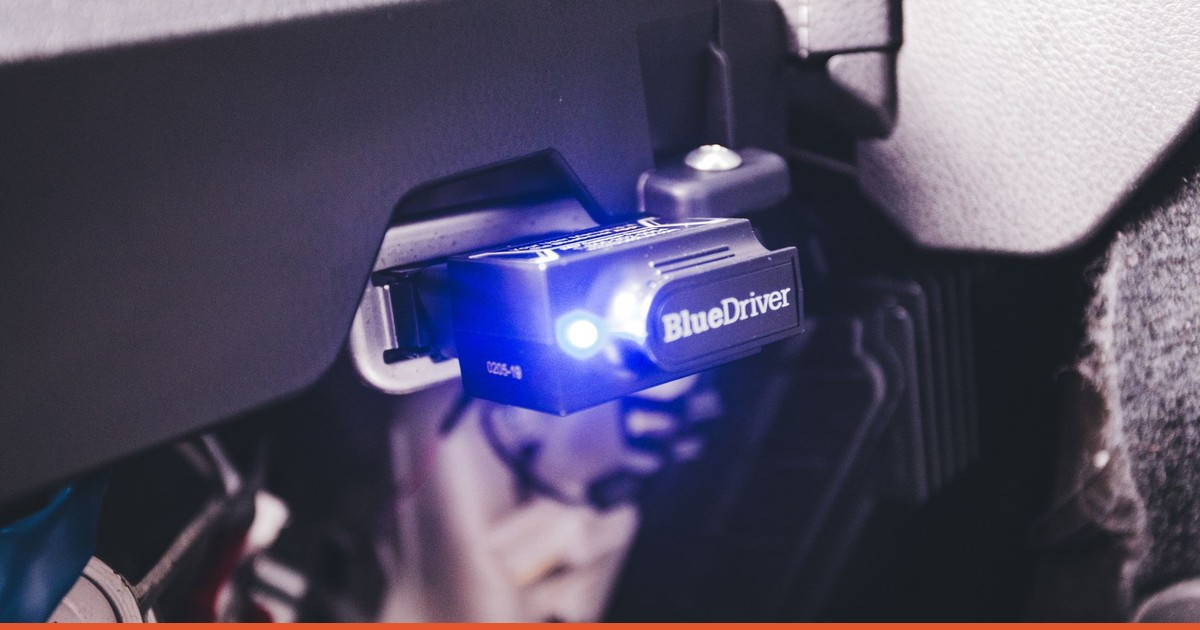
The adapter in the photo at the top of this page is a BlueDriver, which pairs with its maker’s own app. Brand-specific adapters like that, or OBDLink models, tie you to one app and usually come with stronger support. Generic ELM327-style adapters such as the Vgate are cheaper and work with many apps, but quality varies across the market. Buy from a brand with a clear support page, not the cheapest unbranded listing.
If you want the handheld route but need ABS or airbag codes, see our roundup of the best OBD2 scanners for home mechanics, which covers tools that go beyond the engine.
More GarageWise guides
- Best OBD2 Scanners for Home Mechanics
- Hardwiring a Dash Cam Without Draining Your Battery
- Battery Chargers and Maintainers: Who Actually Needs One
- Checking Coolant, Brake and Washer Fluid: A Monthly Routine