
The check engine light comes on during the morning commute. The car drives fine, nothing smells hot, and the shop can’t look at it until Thursday. Is it a loose gas cap or a misfire that will cost you a catalytic converter if you keep driving?
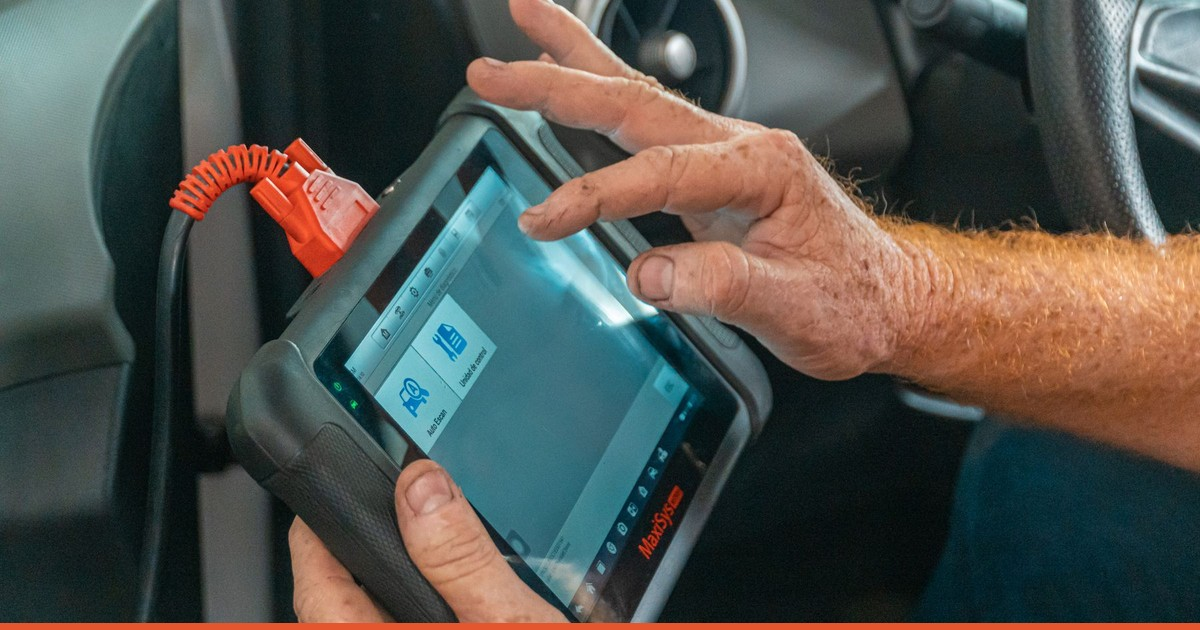
A scan tool answers that question in about two minutes. Every car and light truck sold in the US since the 1996 model year has an OBD2 port, usually under the dash near the steering column, and the codes stored behind that light are yours to read.
The trick is buying the right level of tool. A basic code reader and a bidirectional scanner costing more than ten times as much are both sold as OBD2 scanners, and they do very different jobs.
Disclosure: GarageWise is reader-supported. As an Amazon Associate we earn from qualifying purchases, at no extra cost to you.
Code reader, enhanced scanner or bidirectional tool?
Think of it as three tiers. Pick the lowest one that covers the jobs you actually do in your own driveway.
- Engine code readers read and clear powertrain codes, show freeze frame data (a snapshot of conditions when the fault set) and tell you whether the emissions monitors are ready for inspection. That covers the check engine light, which is most of what owners need.
- Enhanced scanners add other modules, usually ABS, SRS (airbag) and transmission. If you have an ABS or airbag light, an engine-only reader will tell you nothing.
- Bidirectional tools can also send commands: switch the fuel pump on, cycle an actuator, retract an electronic parking brake for a rear pad job, or run reset and relearn procedures after a repair.
Coverage beyond the engine always depends on make, model and year. Before paying for ABS, SRS or reset functions, check the maker’s vehicle coverage list for your car.
The short list
| Scanner | Reads | Best for | |
|---|---|---|---|
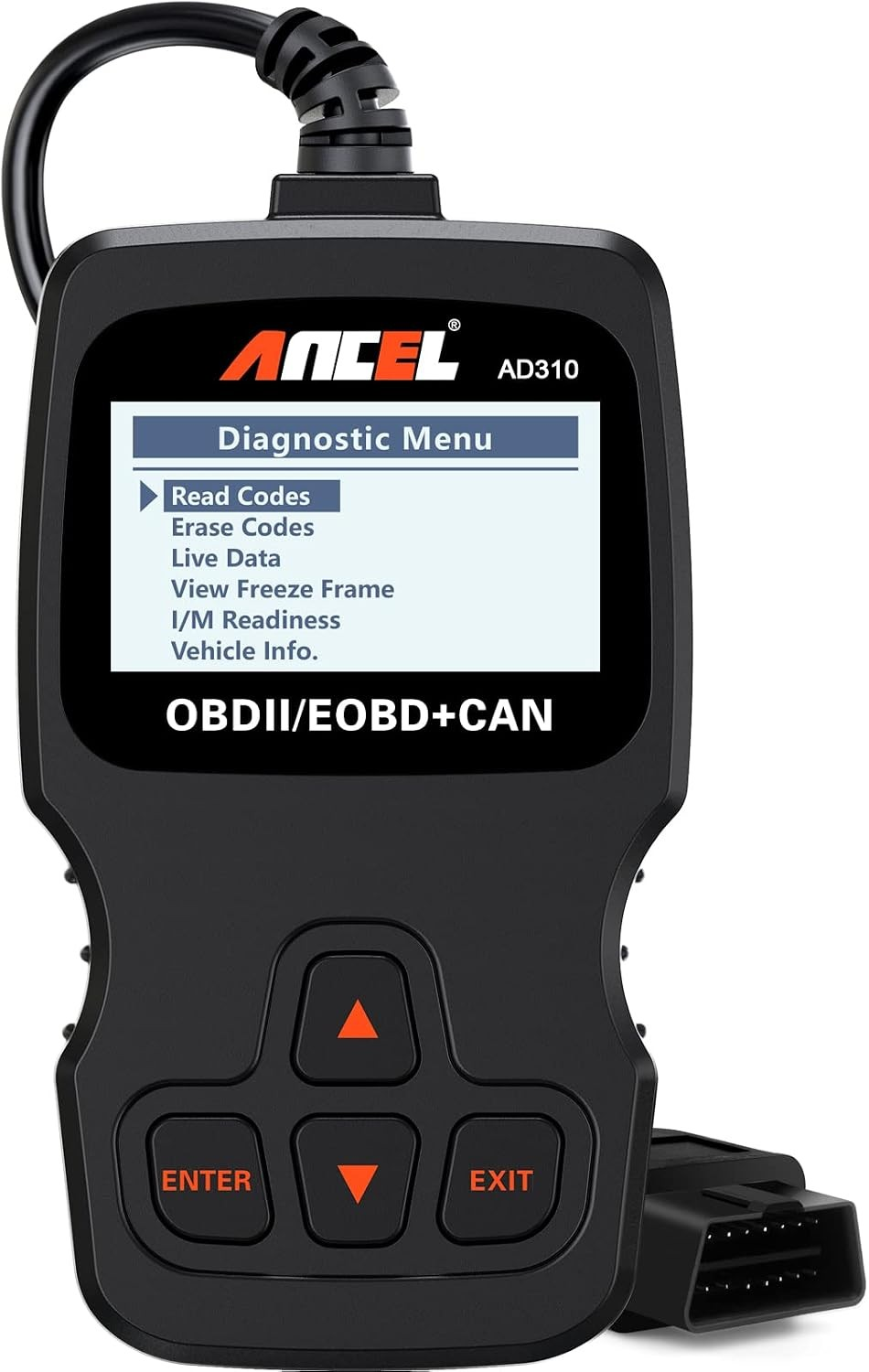 ANCEL AD310 | Engine codes, live data | A glovebox reader on a budget | Check Price |
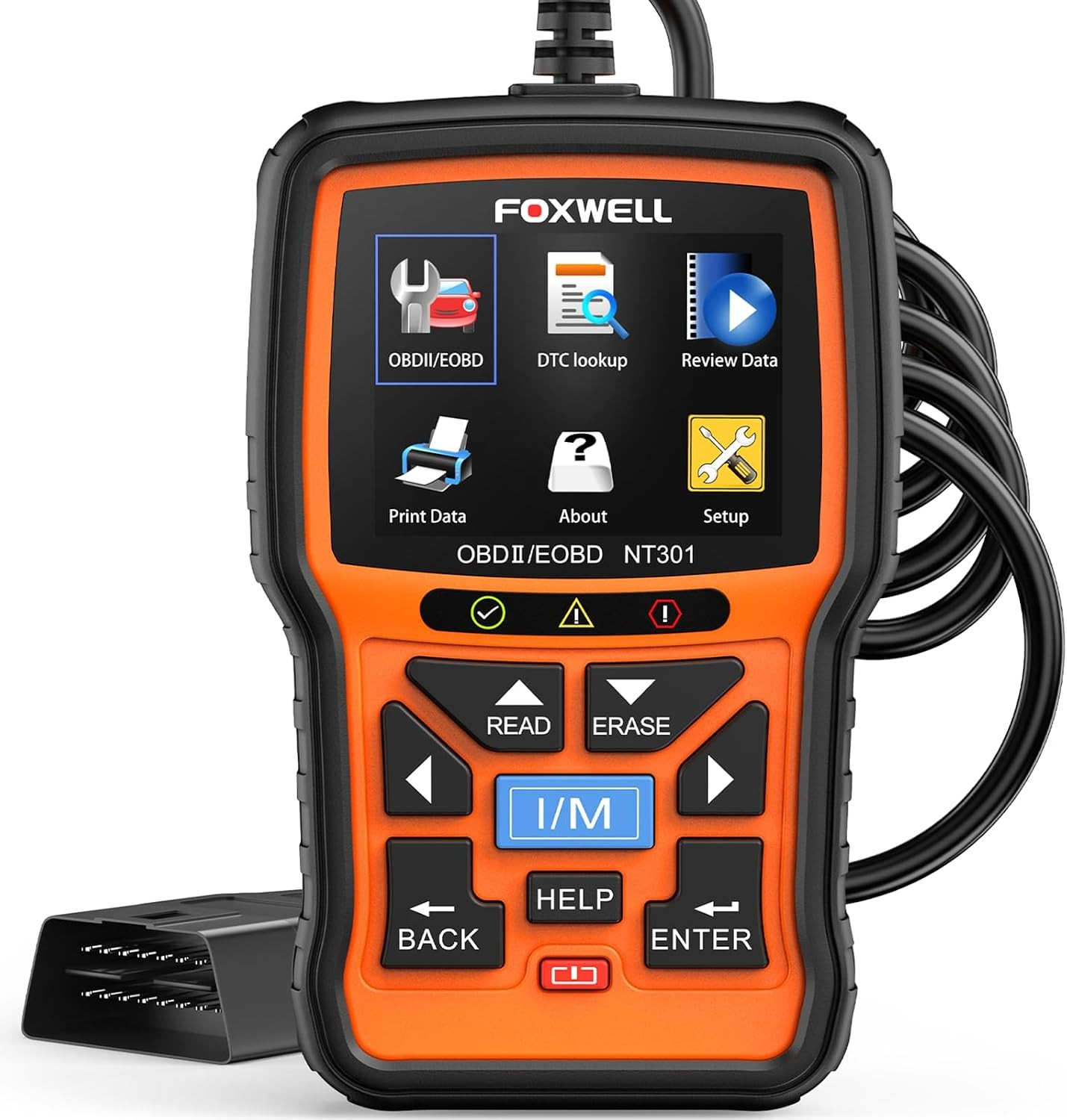 FOXWELL NT301 | Engine codes, graphed live data | Inspection prep and tracking down a fault | Check Price |
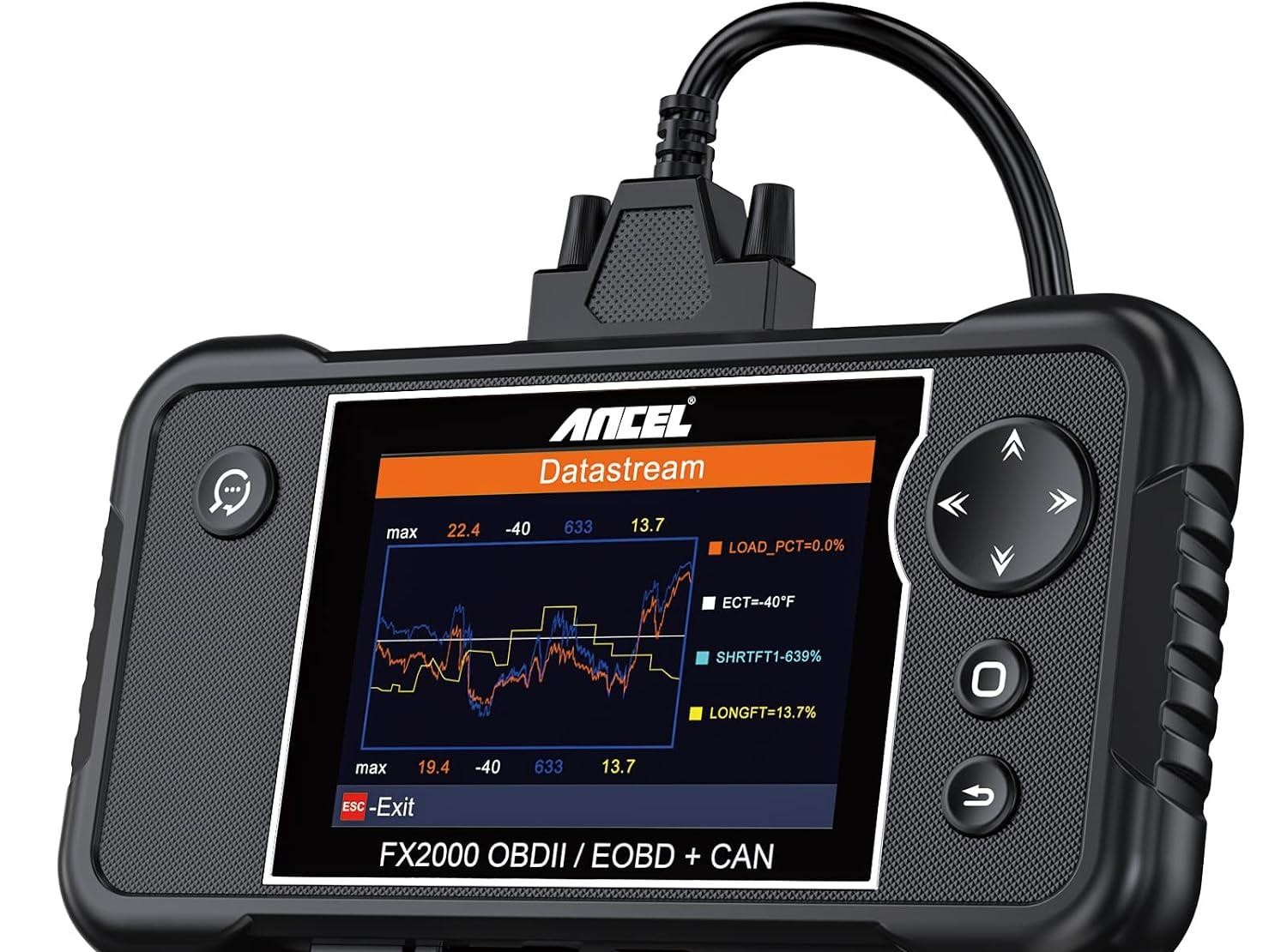 ANCEL FX2000 | Engine, ABS, SRS, transmission | ABS or airbag warning lights | Check Price |
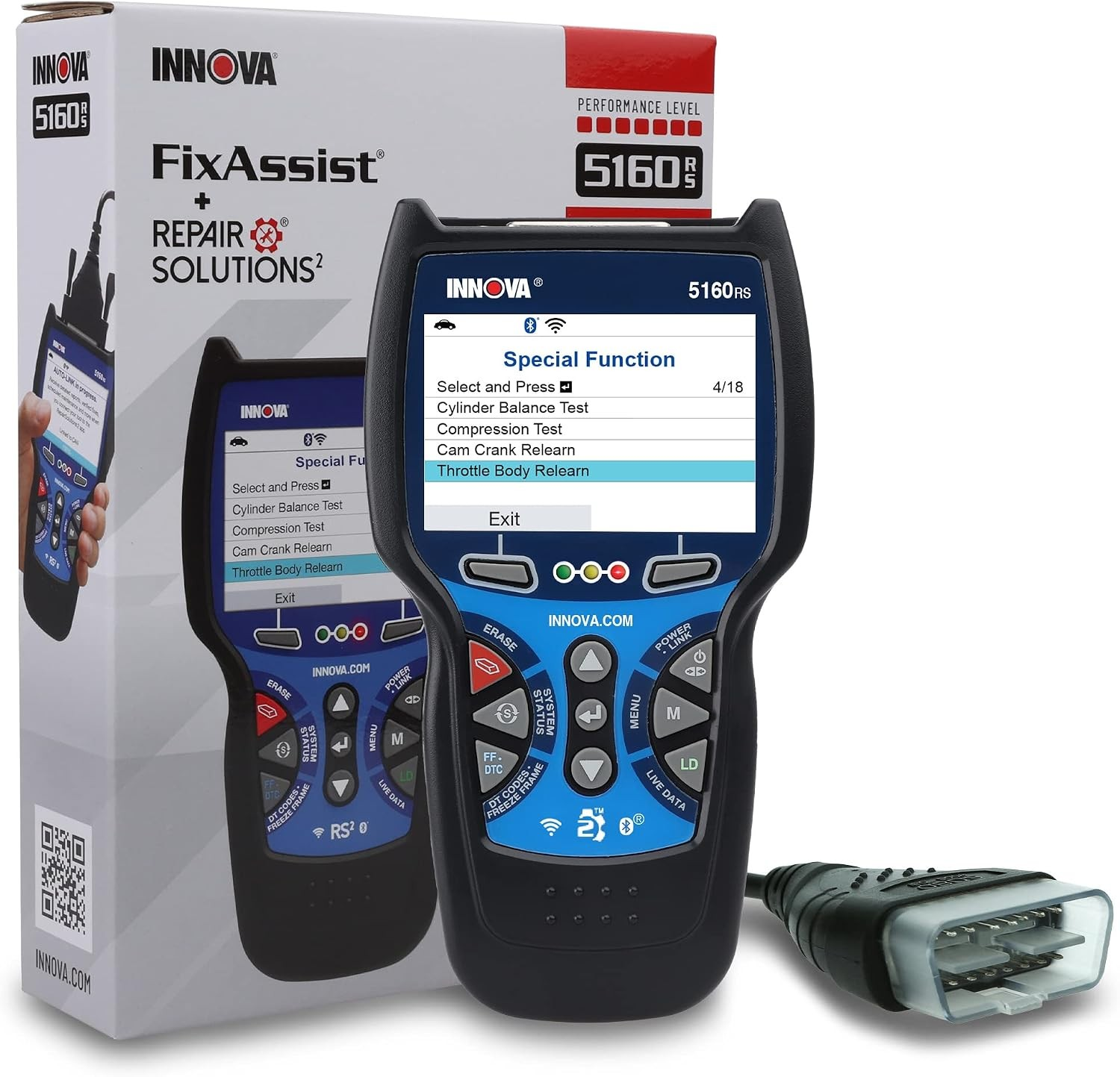 Innova 5160RS | All systems, bidirectional | Brake jobs, resets, serious DIY | Check Price |
Best budget code reader: ANCEL AD310
The AD310 is the tool to throw in the glovebox and forget about until the light comes on. It reads and clears engine codes, shows live data and freeze frame, checks I/M readiness and pulls vehicle information. ANCEL lists it for 1996 and newer OBD2 vehicles.
It is a plain tool. The screen is a small monochrome LCD, live data is shown as numbers rather than graphs, and it does not read ABS, SRS or transmission codes. It needs no phone, no app and no subscription. You plug it in, turn the key and read the code.
For a car owner who mostly wants to know whether a light means ‘tighten the gas cap’ or ‘book the shop’, that is enough.
Light on and no idea why? A basic reader tells you the code before you pay anyone to read it for you.
See the AD310 on Amazon →Best engine-only upgrade: FOXWELL NT301
The NT301 covers the same engine-only jobs with a colour screen and better tools for working out why a code came back. Live data can be graphed, so you can watch fuel trims, coolant temperature or oxygen sensor readings move while the engine runs instead of reading a list of numbers.
Its dedicated I/M button gives a red, yellow or green readiness result with LEDs and a tone, which is handy the week before an emissions test. FOXWELL also lists O2 sensor and EVAP-related tests where the vehicle supports them, and the standard OBD2 protocols (CAN, ISO9141, KWP2000 and J1850) for 1996 and newer US-market vehicles.
One thing worth knowing with any reader: clearing a code does not fix anything. If the fault is still there, the light returns, and permanent codes only clear after the car completes its own checks.
Chasing a code that keeps coming back? Graphed live data makes it far easier to see what the engine is doing.
Check the NT301 Price →Best for ABS and airbag lights: ANCEL FX2000
An ABS or airbag light is where cheap readers stop being useful. The FX2000 reads and clears codes for engine, ABS, SRS and transmission on compatible vehicles, with live data graphs and freeze frame, and it can show transmission fluid temperature on supported cars.
ANCEL is upfront about the limits. It does not do bidirectional control, ABS bleeding, ECU programming or service resets, and coverage varies by vehicle. The company asks buyers to confirm make, model, year and function with them before ordering, and that is worth doing.
Be careful with what comes next. A code pointing to a wheel speed sensor is a reasonable driveway fix. Anything involving the airbag system is a job to leave to a shop unless you have the service procedure in front of you.
ABS light keeps coming on? A wheel speed sensor code is often a fix you can do yourself.
View the FX2000 →Best bidirectional tool for serious DIY: Innova 5160RS
If you do your own brakes, batteries and diagnosis, the 5160RS is where a scanner starts saving real money. Innova lists an all-system network scan that reads and clears codes beyond the engine, ABS and SRS modules.
The bidirectional side is the big step up. You can command the fuel pump or A/C clutch on and off to test them, and retract an electronic parking brake so rear pads can be changed. Innova also lists reset and relearn functions, including oil light, battery, electronic parking brake, steering angle and DPF regeneration.
The RepairSolutions2 app adds verified fixes, parts lists, maintenance schedules and recalls. Innova advertises free updates and a one-year warranty. It costs several times as much as a code reader, so it only makes sense if you will use the reset and test functions.
Doing rear brakes on a newer car? An electronic parking brake needs a tool that can retract it.
Check Price on Amazon →How to use a scanner without fooling yourself
- Write down every code and the freeze frame data before you clear anything. That snapshot of speed, temperature and load is evidence you lose when you erase it.
- Look up the code for your exact make and model. The same code can have a common cause on one engine and a different one on another.
- Treat a code as a starting point. P0171 means the engine is running lean, not that you need a new oxygen sensor.
- A flashing check engine light usually means a severe misfire. Ease off and get it looked at, because unburned fuel can overheat the catalytic converter.
- After a repair, clear the codes and drive normally for a few days. If the readiness monitors complete and the light stays off, the fix worked.
Which one should you buy?
For most drivers, the FOXWELL NT301 hits the sweet spot: engine codes, graphed live data and a quick readiness check for inspection week. Choose the ANCEL AD310 if you only want an answer when the light comes on, the FX2000 if your car has ever shown an ABS or airbag light, and the Innova 5160RS if your driveway sees brake jobs and battery swaps.